Browser extension
Save job postings with one click
You scroll through LinkedIn, StepStone or a career page and find a good job. One click on the Pathly extension and it sits in your queue: with tasks, requirements and keywords.
The extension is free · Chrome and Edge
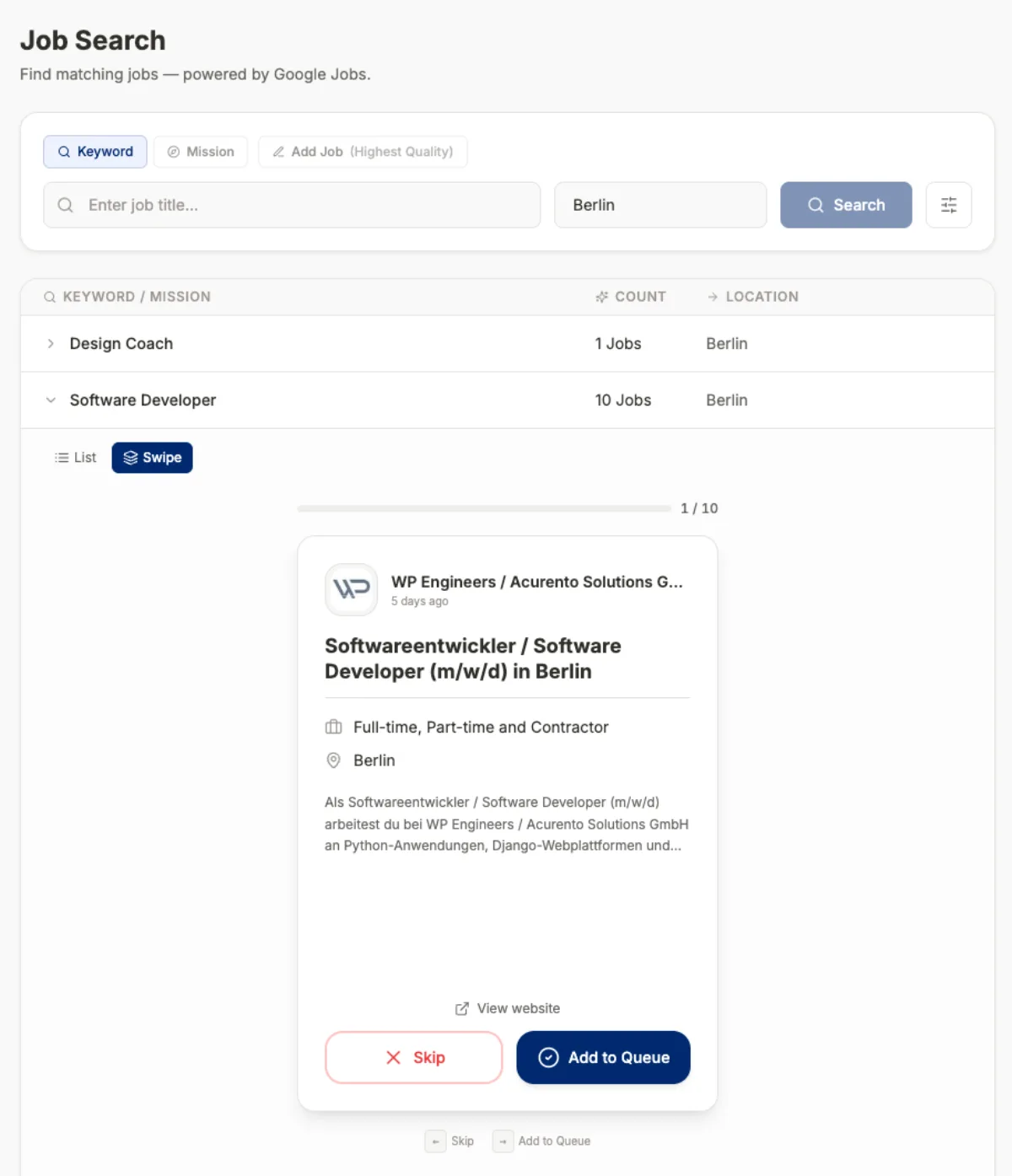
What the extension does
One click instead of copy-paste
No more copying text and collecting links in notes. The posting lands directly in your queue.
Analysis included
The posting becomes tasks, requirements and ATS keywords. Then you can prepare your resume and cover letter right away.
Duplicates are spotted
If you have already saved a job, Pathly recognizes it and does not create it twice.
You stay in the browser
No switching between tabs and tools. You keep searching, Pathly collects along.
Supported portals
The extension reads job postings from LinkedIn, StepStone and Indeed as well as many career sites running on systems such as Greenhouse, Lever, Workday or Taleo. On other company sites you can save the posting too; the quality of the extraction there depends on how the page is built.
Portals change their structure now and then. If something is not read in, you can also paste the text of the posting directly into Pathly.
How to set up the extension
Install
Open the extension in the Chrome Web Store and add it to Chrome or Edge.
Connect to Pathly
Sign in with your Pathly account. Without an account you cannot save jobs.
Open a job and save
Open a job posting and click the Pathly icon. Confirm the addition.
Continue in the queue
Check the job profile, match your CV and start your documents.
Frequently asked questions about the extension
Does the extension cost anything?
The extension itself is free. To save jobs you sign in with your Pathly account; you can start Pathly for free.
Does it work in Firefox or Safari?
It is currently built for Chromium browsers, so Chrome and Edge. In other browsers you can add postings by link or text.
Is my data passed on through the extension?
It transfers the saved posting to your account. Processing follows the same privacy policy as the app.
How many jobs can I save?
That depends on your plan. You can see the current limits in the app.
Related
- Application trackerJobs, documents and status in one place. Instead of spreadsheet and folder chaos.Learn more →
- Resume & ATS optimizationCV match with the job, ATS keywords and suggestions you accept or reject.Learn more →
- Cover letter generatorCover letters with company research and your own writing style. You review every sentence.Learn more →
- Automate job applicationsWhat is worth automating, and where you should decide.Learn more →
Try it with your next application.
Start for free. You decide at every step, the AI assists.